Know the record
Keep lease terms, notices, dates, and the signed documents behind them connected to the property and the tenant.
Owners and managers carry different responsibilities. The property work connecting them should still make sense to everyone.
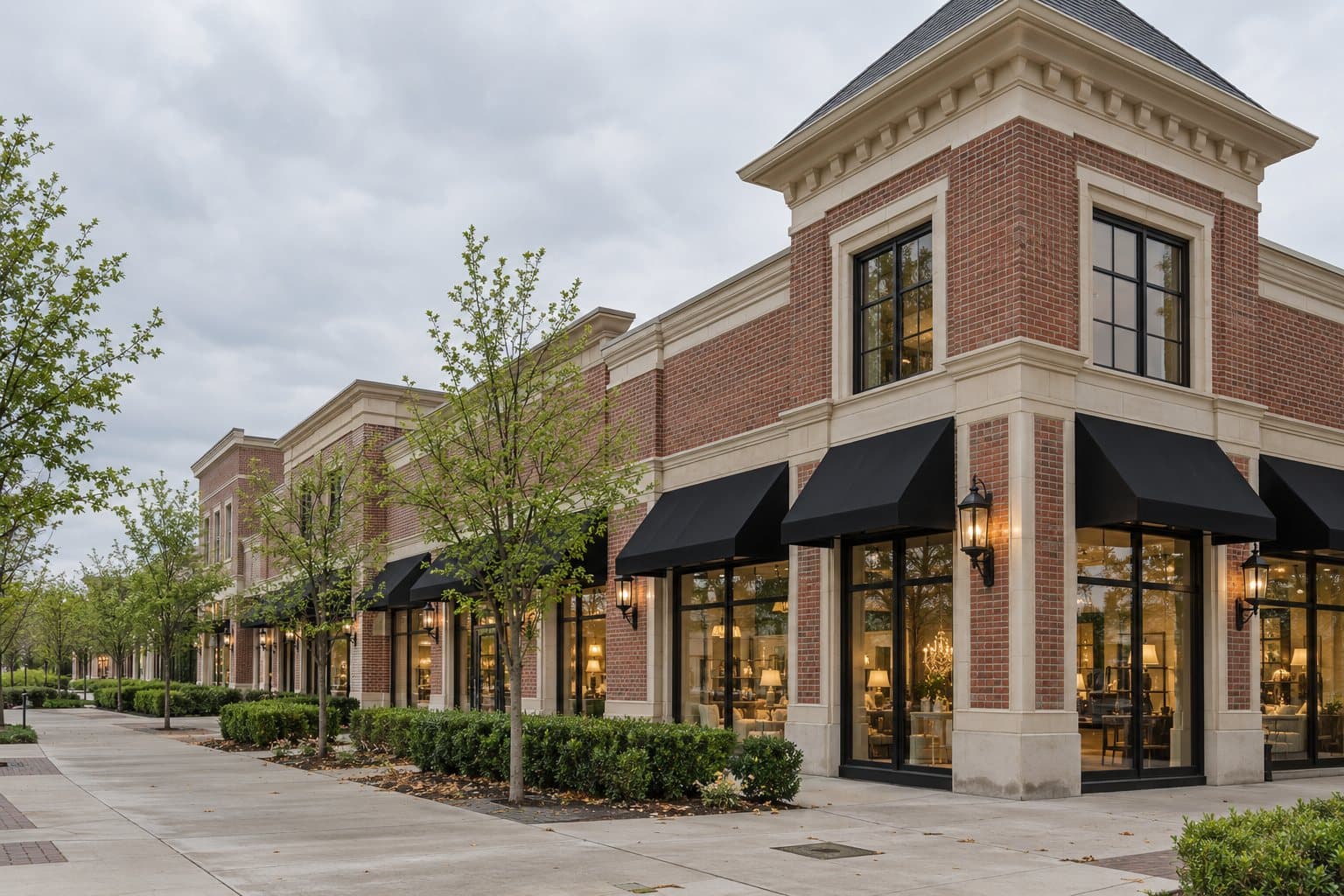
Different days. Same property.
For property owners
See the operating details that shape your decisions—from lease events and collections to expenses and open work—without rebuilding the picture from a bank statement and a spreadsheet.
Northline Commerce Center
The property, clearly in view
Activity that needs a look
View all in the interactive demoFictional demo property · August 2026 · illustrative product view
For property managers
Keep property records, rent follow-up, work orders, and tenant requests organized in one place—so the daily operational load doesn’t grow faster than your team.
Northline Commerce Center
Today’s work, in order
Activity that needs a look
View all in the interactive demoFictional demo property · August 2026 · illustrative product view
Keep lease terms, notices, dates, and the signed documents behind them connected to the property and the tenant.
Follow rent, CAM, expenses, and bank activity in context, from the same records the rest of the workspace uses.
A daily briefing of what needs attention, so work moves forward with clear ownership and a shared operating picture.
Find your workflow
From lease intelligence to maintenance to the tenant portal—each solution below is a real, live part of TenantPoint, not a roadmap item.
By role
By workflow
By property type
For your tenants
Questions about rent, the lease, and repairs stop arriving as calls, texts, and parking-lot conversations. Tenants look up their own lease, documents, and statements and follow their own requests; you choose what each tenant sees and still review, assign, and approve.
See it running, not just described
Click through the fictional Northline Commerce Center: the morning briefing, verified lease fields, collections, CAM, the rent roll, maintenance, and reports.
Most demos are generic. This one runs real numbers—see the actual CAM math this fictional retail center runs in the tab, or the full tenant schedule in .
Everything else at Northline Commerce Center is on track.
A clearer day starts here